Kidz Fun Art is obviously great for 2D drawing, colouring and sketching, but did you know that you can also use it to easily draw in 3D too? The 3D Lines tool overlays one, two or three focal points on top of the image you are drawing to guide your hand when drawing three dimensional scenes.
How do I use it
 button to show the menu, then choose the
 tool.
How do I draw
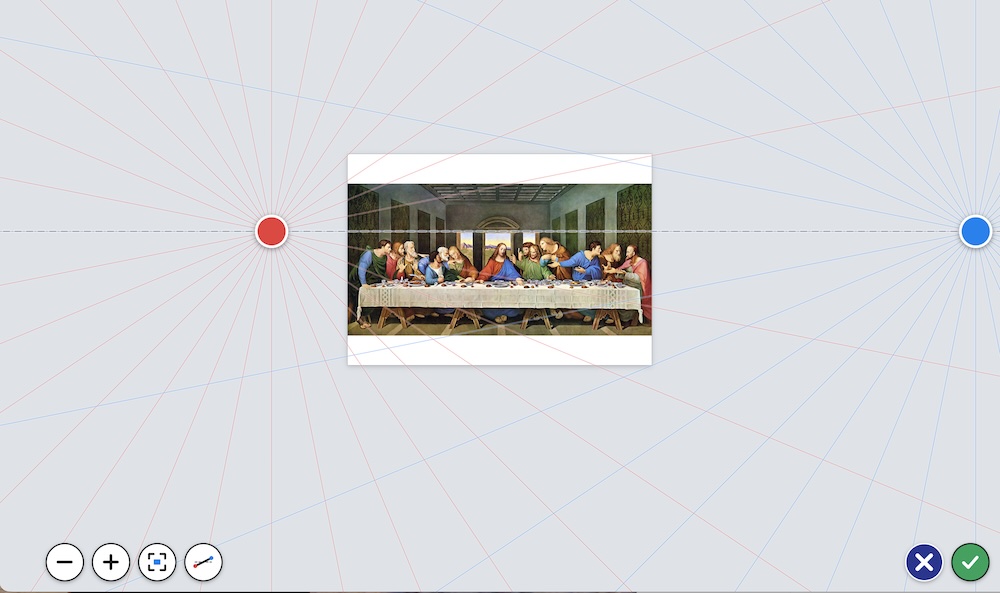
By default you are shown the simplest 3D scene with a single dot in the center of the screen, great for drawing roads, the insides of rooms, or even famous paintings of 13 friends havving their last supper together.
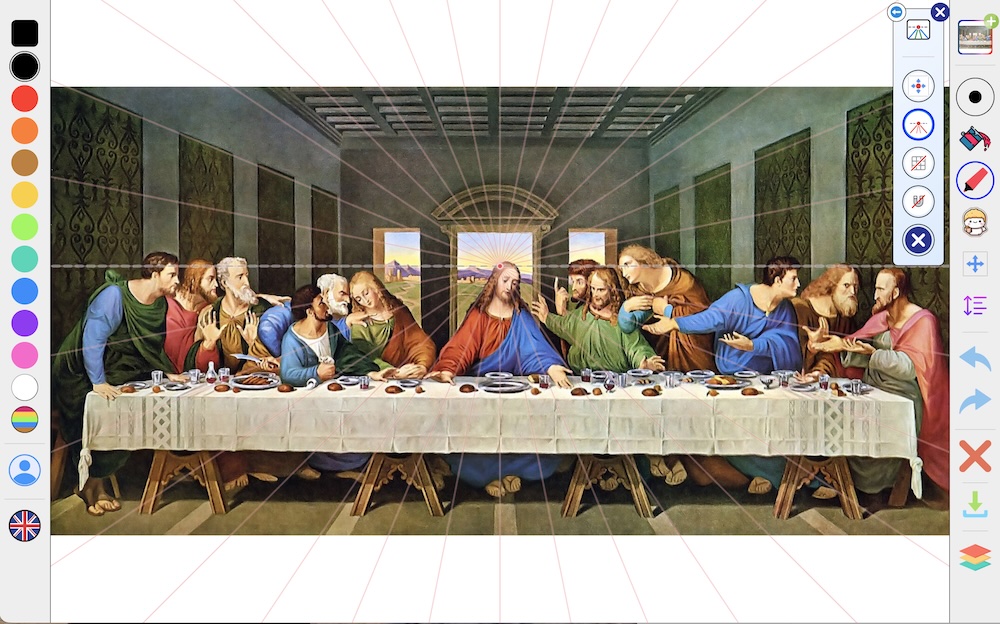
 magnet icon. You should see a fun jolt of energy shoot through the lines, and Magnetism is now enabled. This means that every line is either vertical, horizontal, or moving directly towards the center.
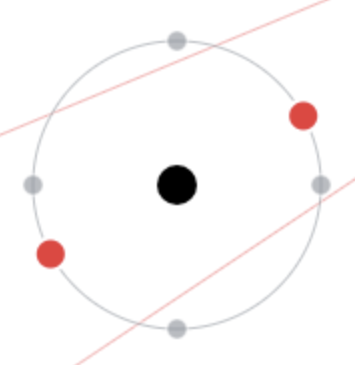
To help guide your drawing, when you start a stroke, a circle appears around your pen with coloured dots suggesting the three choices of direction you can take. The image below shows that you can go up, down, left right, to diagonally towards the red dots.
Tap the magnet icon again to turn off Magnetism and draw freely.
Using multiple focal points
The default single focal point is great for some drawings, but using two or even three focal points are better for other scenes
- Two focal points, or dots, can be great for drawing a building while looking at it from a corner
- Three focal points can be useful for drawing tall objects and looking up at them, like a skyscraper
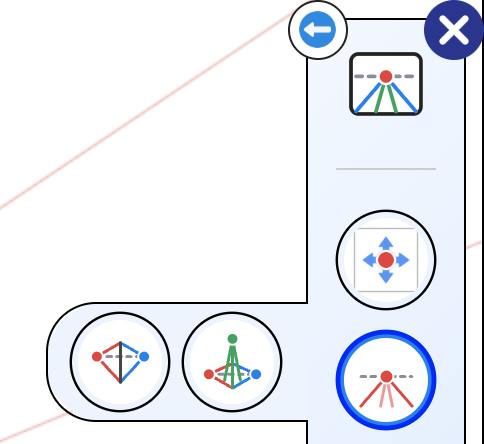
 button from the top, as in the image here to switch between one, two and three dots.
Moving the dots
 button and your drawing shrinks down so there's lots of room around it, then simply drag the dots to where you want them. Dots can even go outside the edges of your picture, which is often how real artists set up a two dot drawing.
 tilt button to let the sky line tilt as you drag. Drag a dot close to the middle of the picture and it'll snap right onto the halfway line.
 and
 buttons to zoom in and out, or the
 button to see everything at once. When you're happy, tap
 to go back to drawing, or
 to put the dots back where they were.
Using just one dot at a time
With two or three dots, there can be a lot of lines on the screen! Tap the coloured dots button beneath the number of dots to choose between using all of the dots, or just the red, blue or green one. The lines for the other dots disappear, and Magnetism only pulls your lines towards the dot you chose. This is great when you're drawing one side of a building and don't want your pen jumping to the other side.
Floor and wall tiles
 tiles button to draw a grid of tiles in 3D. Tap it once for tiles on the floor, again for tiles on the walls, and once more to turn them off. Tiles are perfect for chess boards, kitchen floors, swimming pools or brick walls.
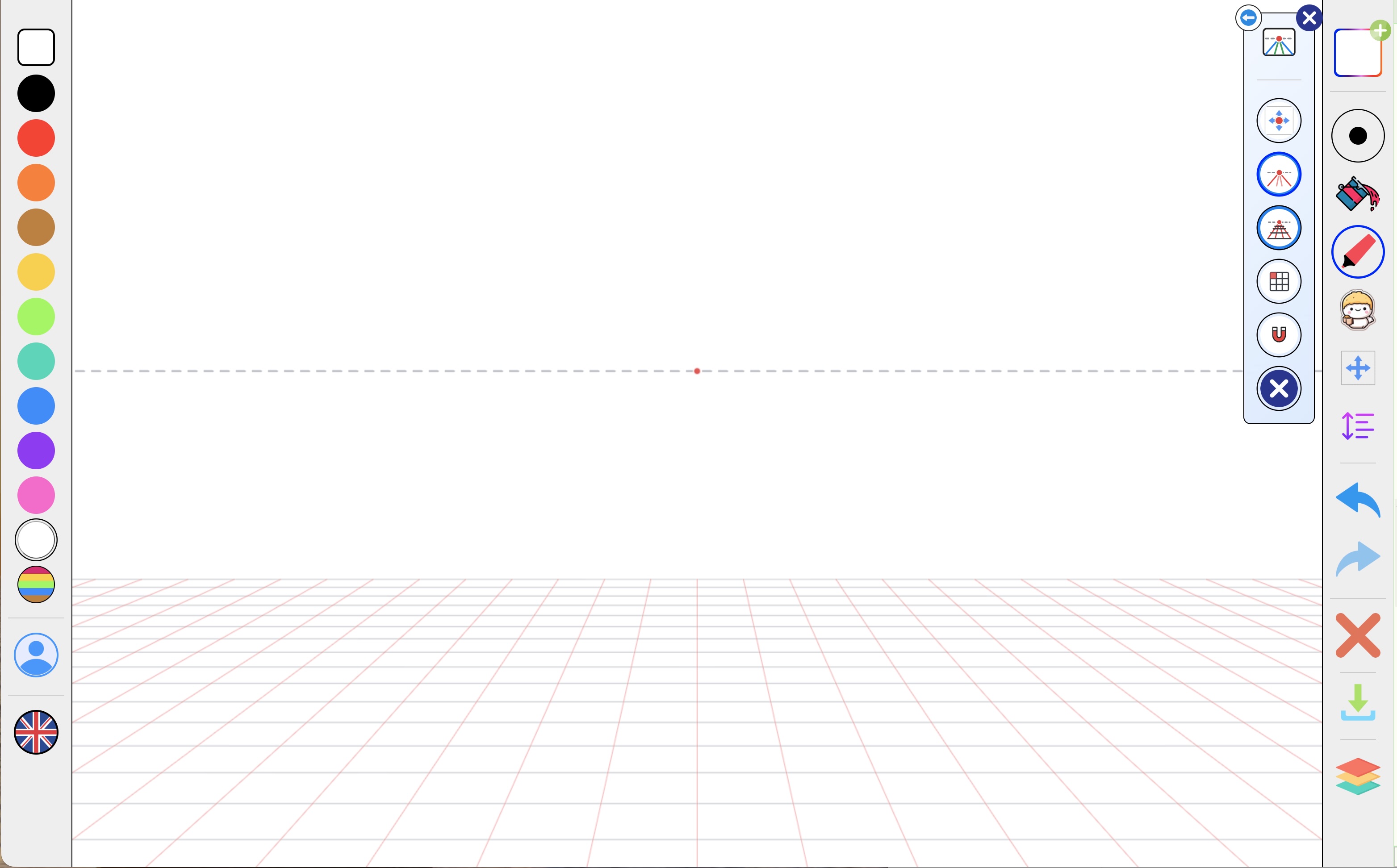
 button to switch between small, medium and large tiles.
Shapes and stickers in 3D
When Magnetism is on, the box and circle shape tools draw in 3D too! Drag out a box and it sits flat on the floor, ceiling or a wall, with its sides running towards the dots. Circles become ovals that lie on the same surfaces, so drawing wheels and plates is easy.
Stickers work the same way while the magnet is on. Put down a sticker near the floor or a wall and it bends to lie on that surface, like a rug on the ground or a poster on the wall.
Have fun drawing in 3D!